/adminにログインできない
Netlify でブログを作ること自体は、ブラウザでボタンをポチポチ押していけばよかったので問題なかったが、いざ、 /admin でログインするところで少し詰まりました。
各所のBlogでも、オフィシャルでも解決方法は書いてあるが一応メモしておきます。
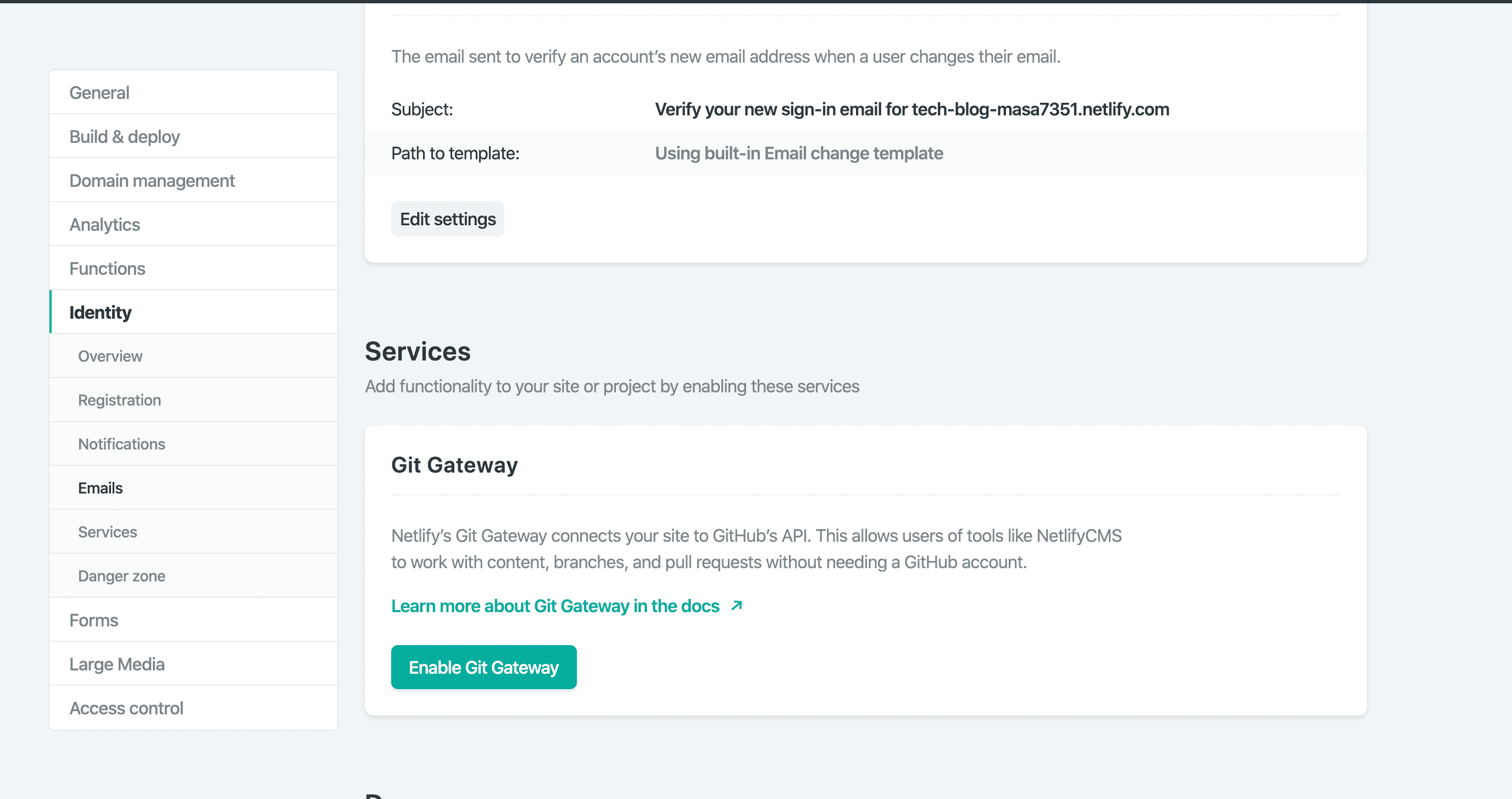
サイドメニュー > Identity > Services > Git Gateway にて ”Enable Git Gateway” ボタンをタップ
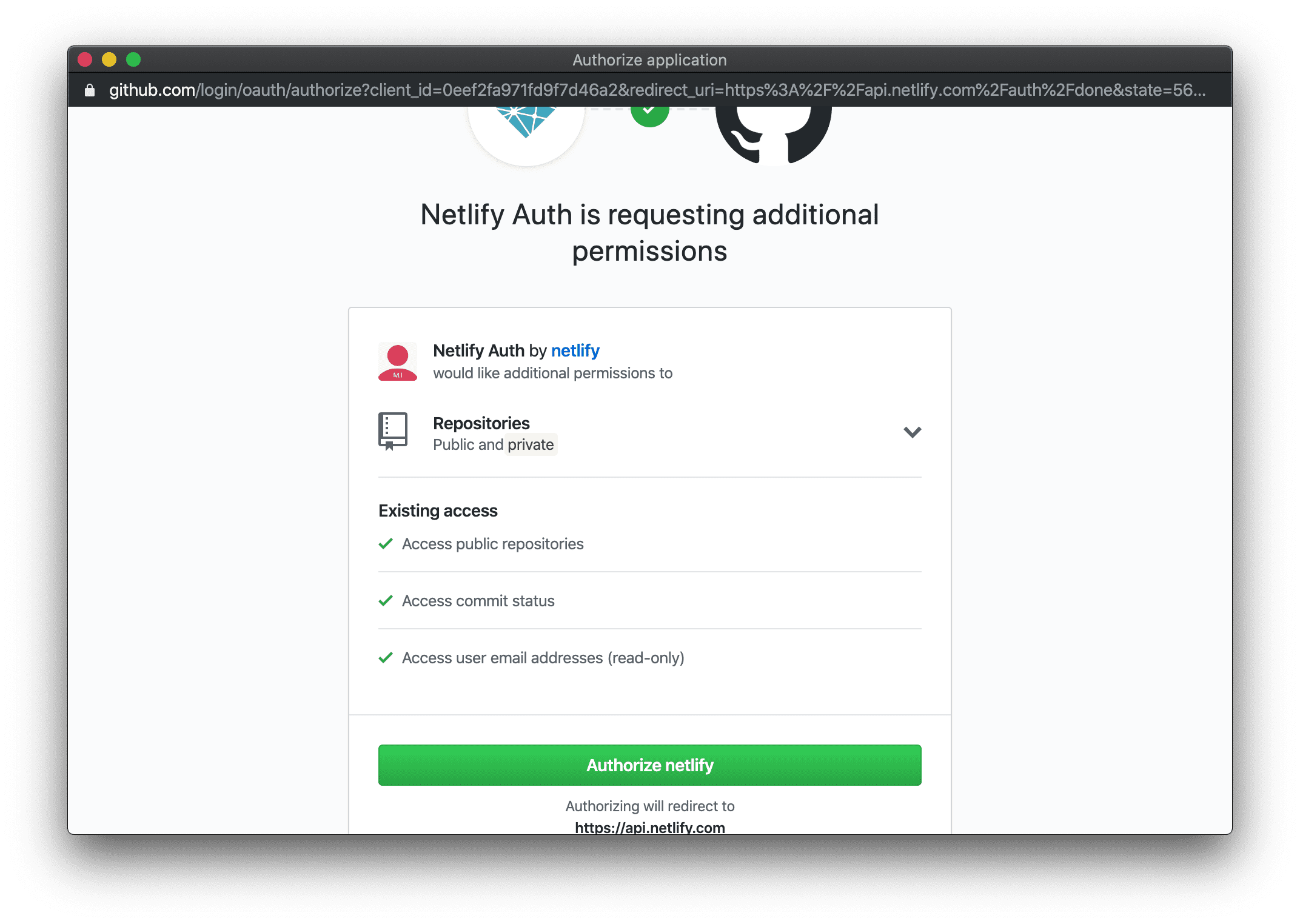
public → private にリポジトリ変更
https://docs.netlify.com/visitor-access/Git-gateway/#setup-and-settings に書かれている通りreconnectし直せばOK
Go to Settings > Build & deploy > Continuous Deployment > Build settings to re-link the repository.
Go to Settings > Identity > Services > Git Gateway to add a new API access token following the instructions in the section above.
文章校正ツールの導入
表記ゆれを防ぐ目的で、
prh を導入
使い方は、簡単で
prh -r ./content/posts/2019-10-22-swiftuiアプリ設計をreduxを使って開発する-reduxの特徴をおさらいする.md運用
- Netlify上で下書き作成する
- phrにて文章を校正する
- 校正された文章をチェックして公開する
注意点
- /scriptsフォルダがすでに存在していたため、/toolsフォルダを作成
- 校正ファイルのrootファイルである(prh.yml)は、/toolsに配置すると動作しない為、 Blogのtopに配置
- 利用している校正ファイルの1つである、Web+DB_PRESS.yml は内部で、“アプリ”という単語を”アプリケーション”に置き換えるルールが存在したのでコメントアウトしています。
ちょっと便利にしました
/tools直下にscriptを作成変換(terminalコマンドのaliasとして登録してもよいかもしれない)
#!/bin/sh

cd `dirname $0`
cd ../
prh -r ./content/posts/*